
Your AI tools are capable.They just don’t know your jobs.
An assistant that cannot see your customers is guessing. Connect one to Scoped and it works from the same quotes, jobs, and history you do.
An assistant that cannot see your customers is guessing.
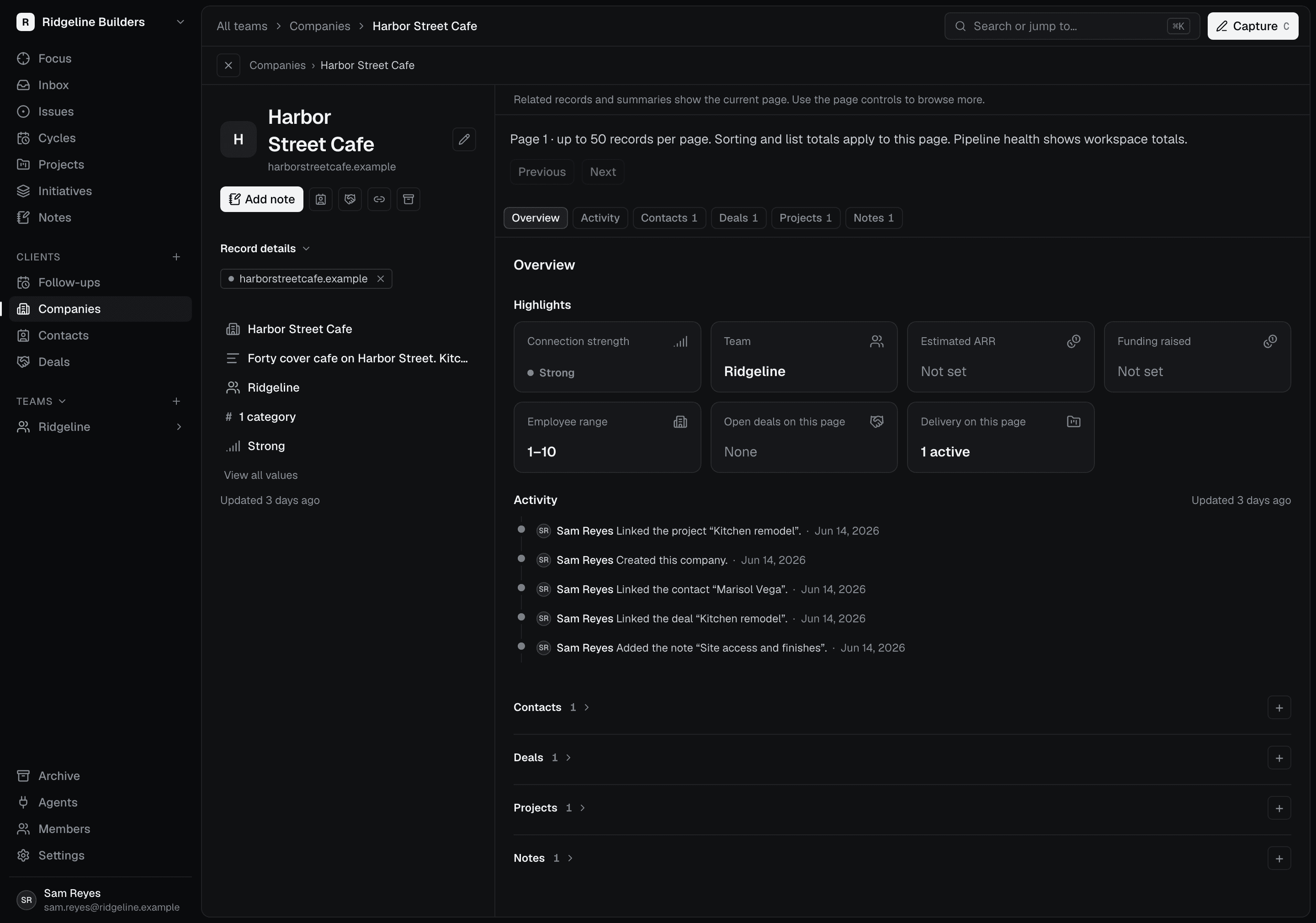
Start from the current work.
An authorized assistant can retrieve work context through MCP. Customer records sit alongside project information, so the relationship informs the next step.
Choose the access you grant.
Approve a workspace and the requested permissions when connecting. Review every connected assistant and revoke access the moment you want it gone.
Bring progress back.
Within the permissions you grant, an assistant can update issues and add comments. MCP activity records the authorizing person and connection source for you to review.
Manage agent access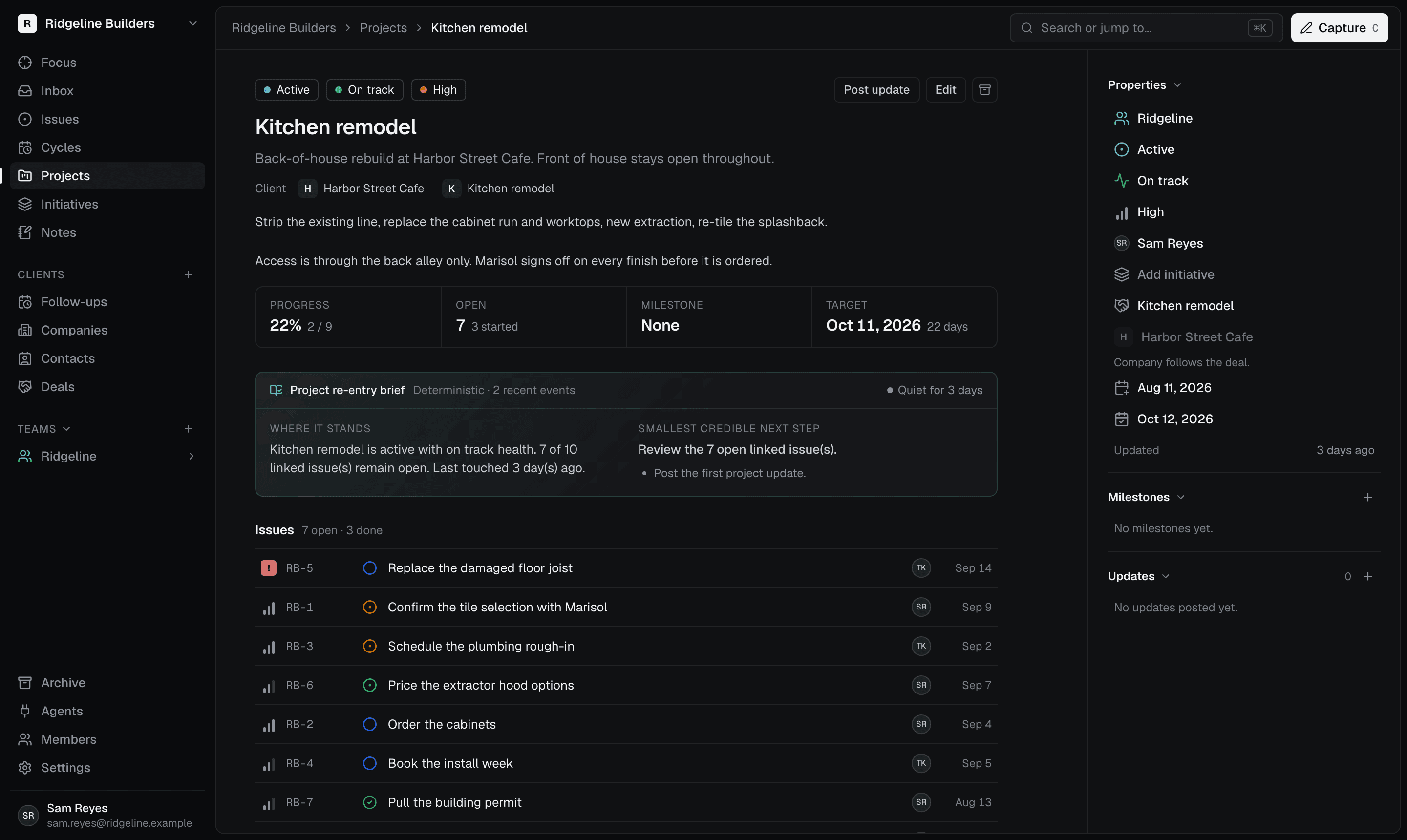
Catch up on a job without rereading everything.
Illustrative example: you ask a connected assistant to prepare the next step.
Ask it to read the current issue and the recent activity on the job.
Have it lay out what is ready and what still needs your call.
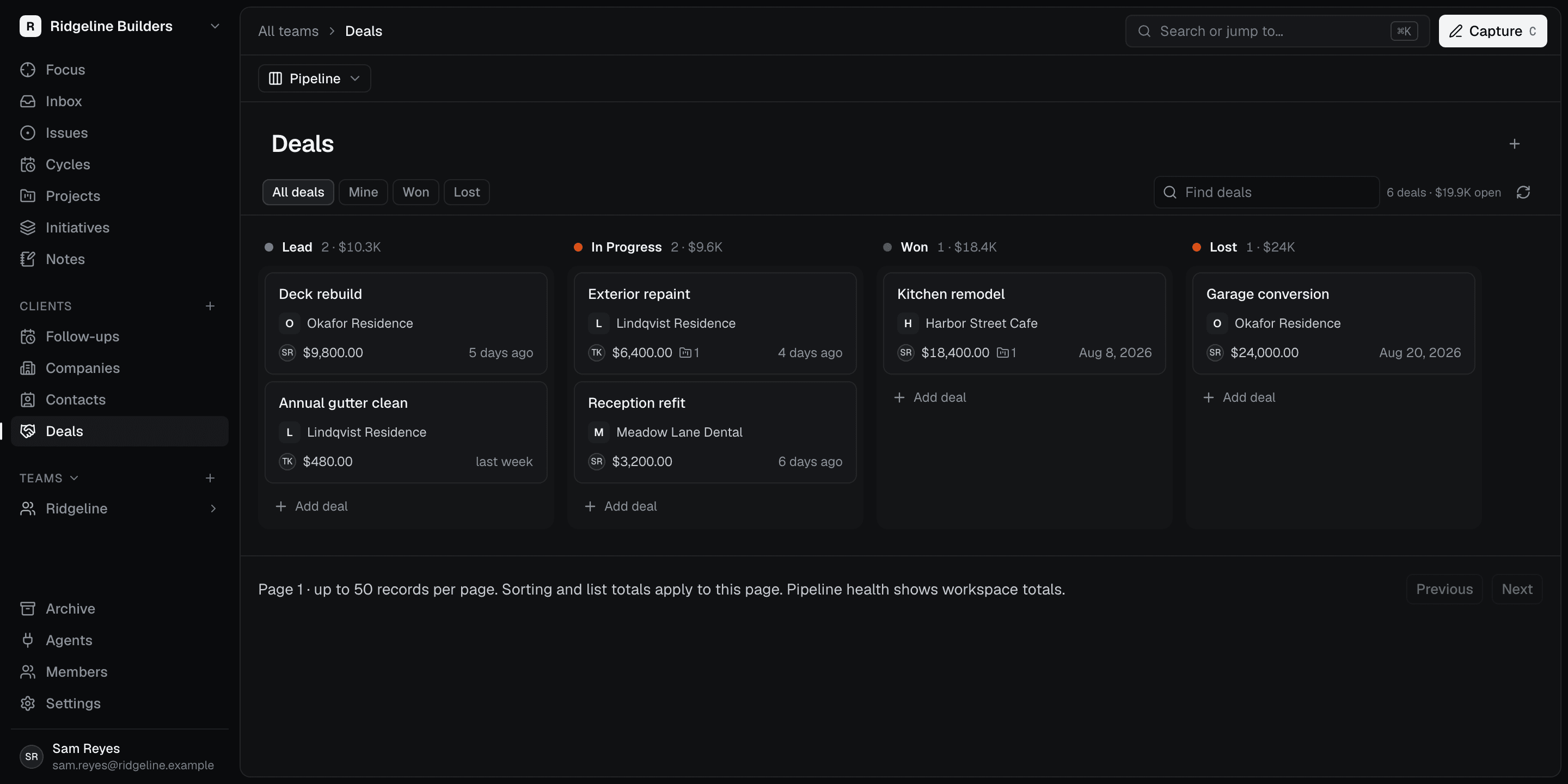
Authorize it to write the agreed next steps back to the issue.