
The customer said yes.The crew starts from scratch.
The site notes, the measurements, the scope you agreed to. All of it sits with whoever sold the work. Carry it into the job instead of retyping the customer and hoping nothing was missed.
The site notes, the measurements, the scope you agreed to. All of it sits with whoever sold the work.
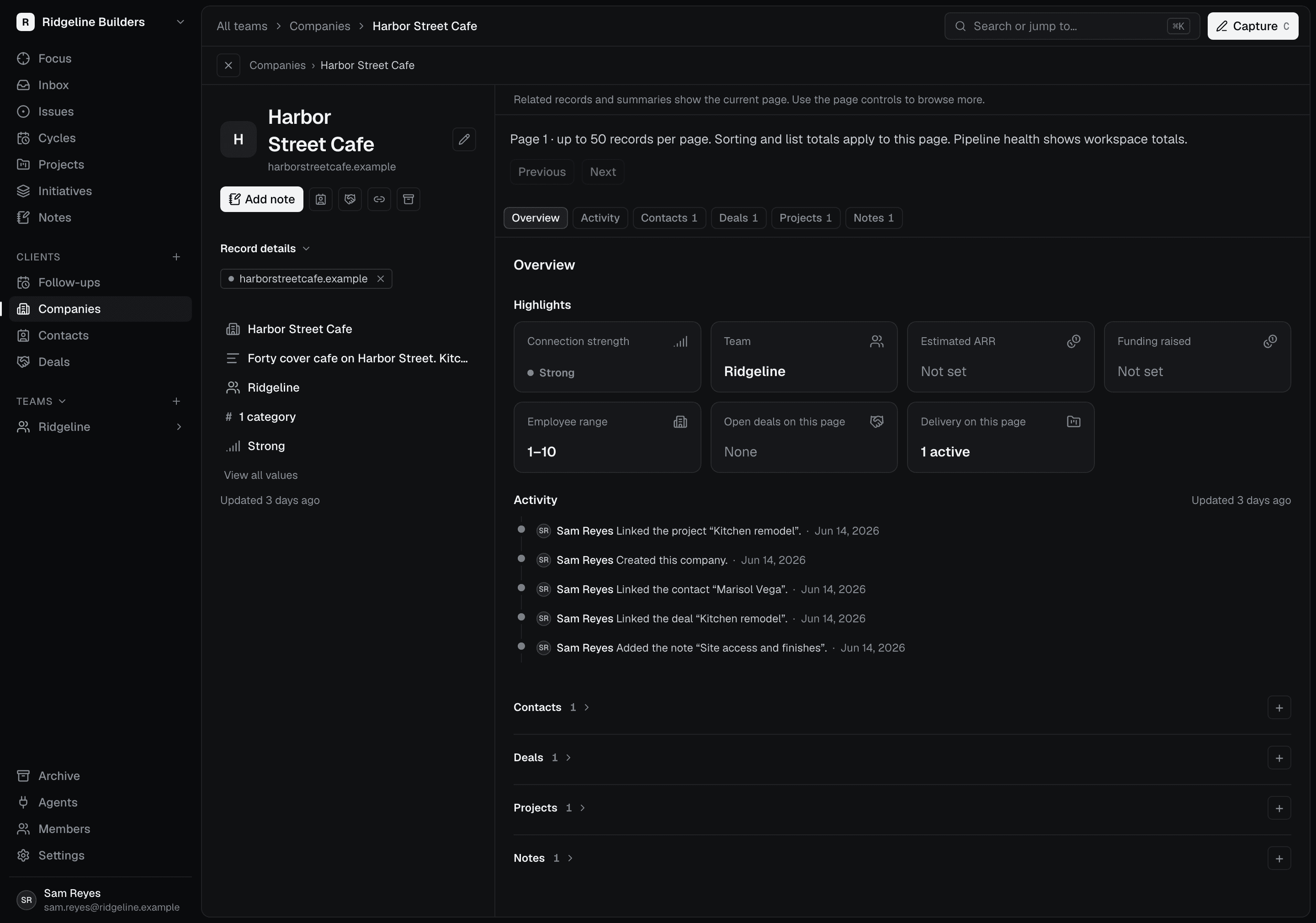
What you learn selling stays with the customer.
Keep the company, contacts, and site notes together while the quote takes shape. After the customer says yes, those details are still there for whoever runs the job.
The handoff is a click, not a retype.
Move the deal to Won and Scoped offers a pre-filled project. Check the details before you start it, with the company and deal already linked.
Nobody has to ask what was promised.
Give the next steps owners and follow progress in issues and activity. The next time that customer calls, the quote and the job are both on their page.
Plan and track projects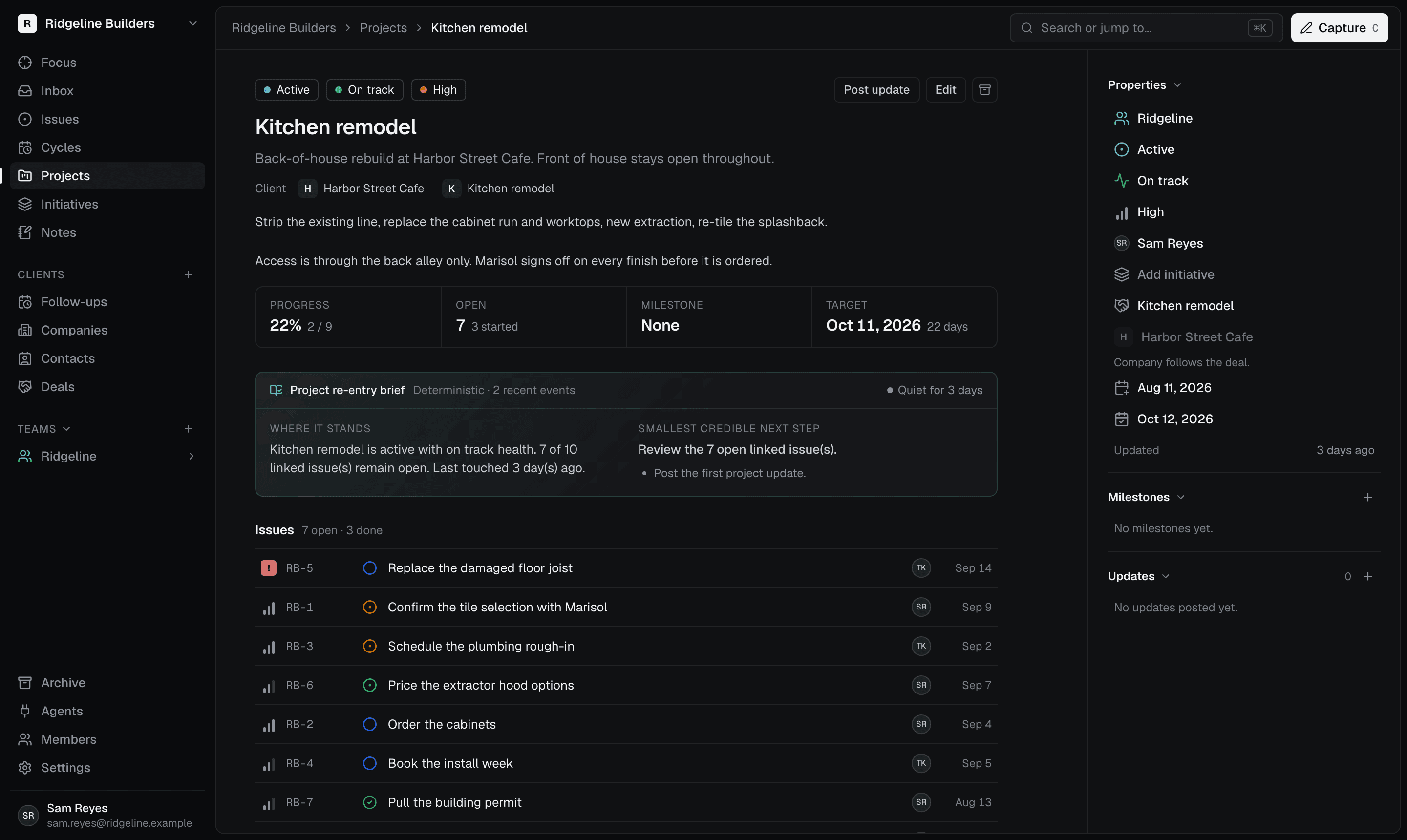
An approved quote is the start of the job.
Illustrative workflow: a general contractor wins a kitchen remodel.
Whoever took the call records the customer, the site notes, and the quote.
After the homeowner approves, they create the project from the won deal.
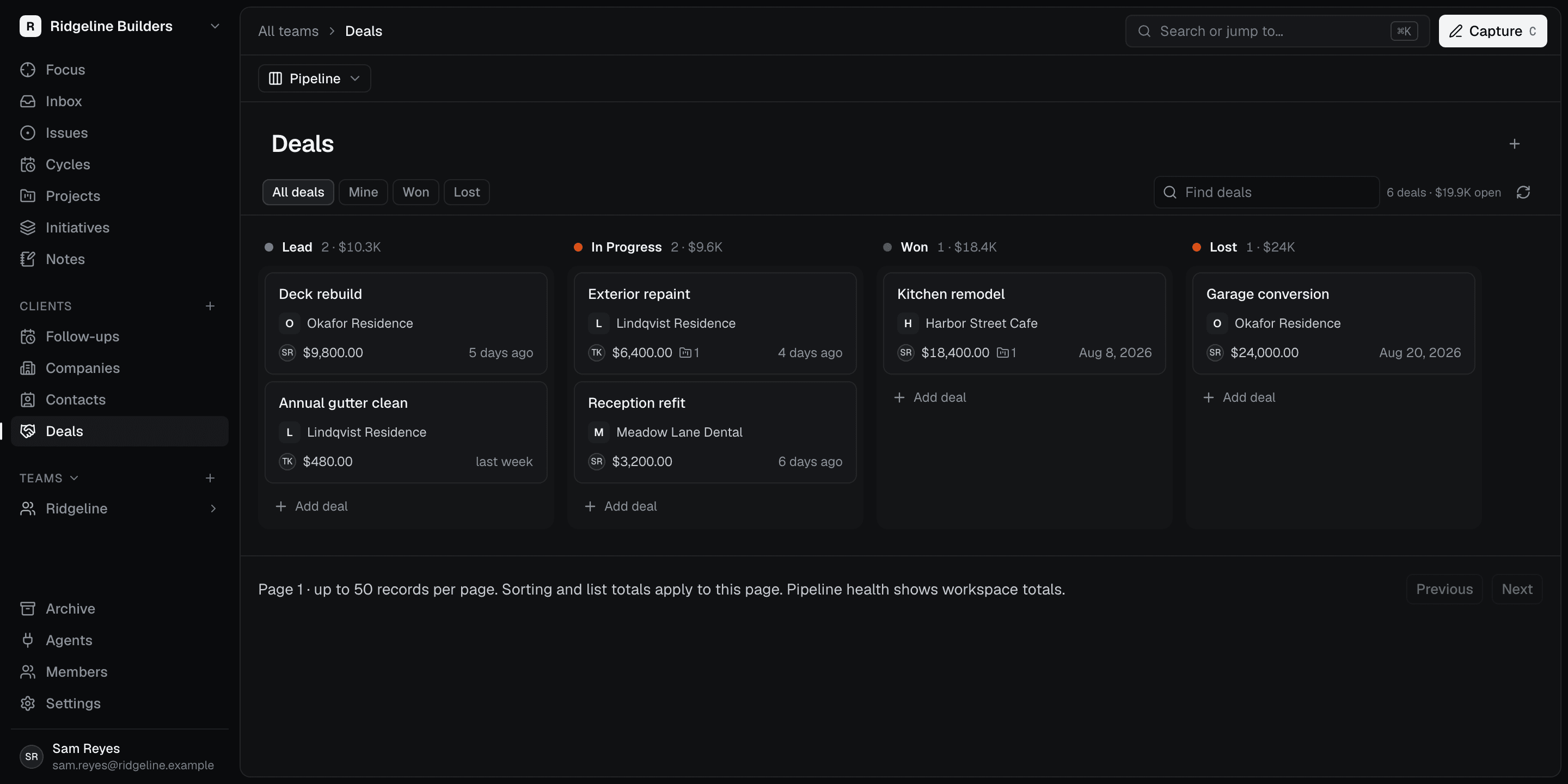
The crew plans the first week, with the customer and the quote one click away.