
Your tools.Your customers and jobs.
An AI tool that cannot see your business is guessing. Connect the one you already use, decide what it may see, and turn it off whenever you want. MCP is the standard that makes that connection possible.
An AI tool that cannot see your business is guessing. Connect the one you already use, decide what it may see, and turn it off whenever you want.
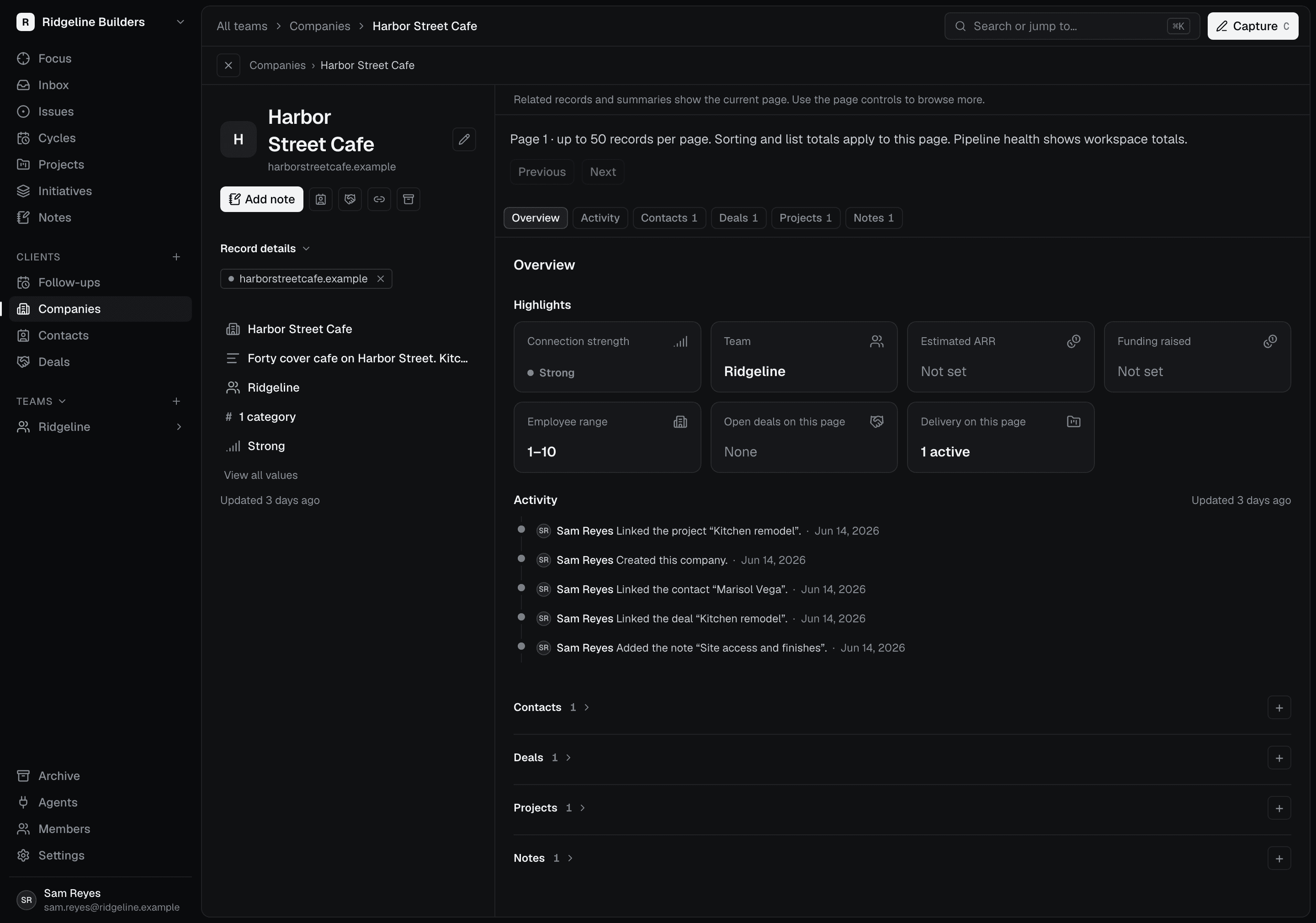
Set it up once, then it knows your work.
After the connection is made, the tool reads from your customers, quotes, and jobs instead of what you paste into it. Underneath, Scoped exposes a Streamable HTTP MCP endpoint, and a client needs compatible OAuth support, including dynamic registration and PKCE; an MCP label alone does not guarantee compatibility.
It only sees the workspace you pick.
You sign in and choose the workspace while authorizing, so the tool sees that business and nothing else. The connection keeps that workspace boundary even if you switch workspaces in the browser.
You can take the access back.
Nothing stays connected longer than you want it to. Tool access follows the permissions you granted and your membership, and you can revoke a connection from Agents to stop future access.
Manage agent access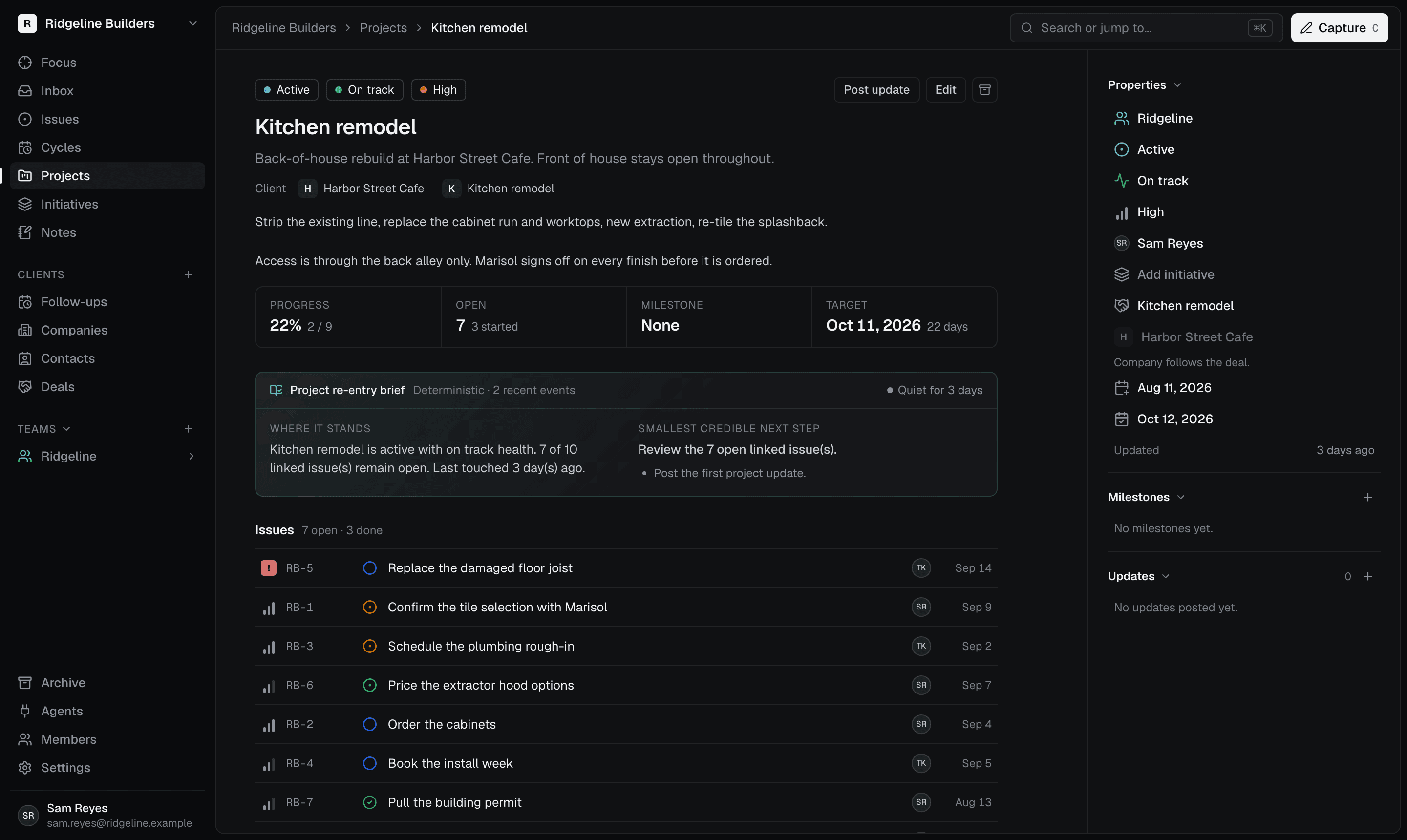
Connect it, check it, then let it help.
A careful way to start with a tool you have just connected.
Add the MCP endpoint shown in Scoped’s Agents area to your tool.
Sign in, pick the workspace, and read the permissions before you approve them.
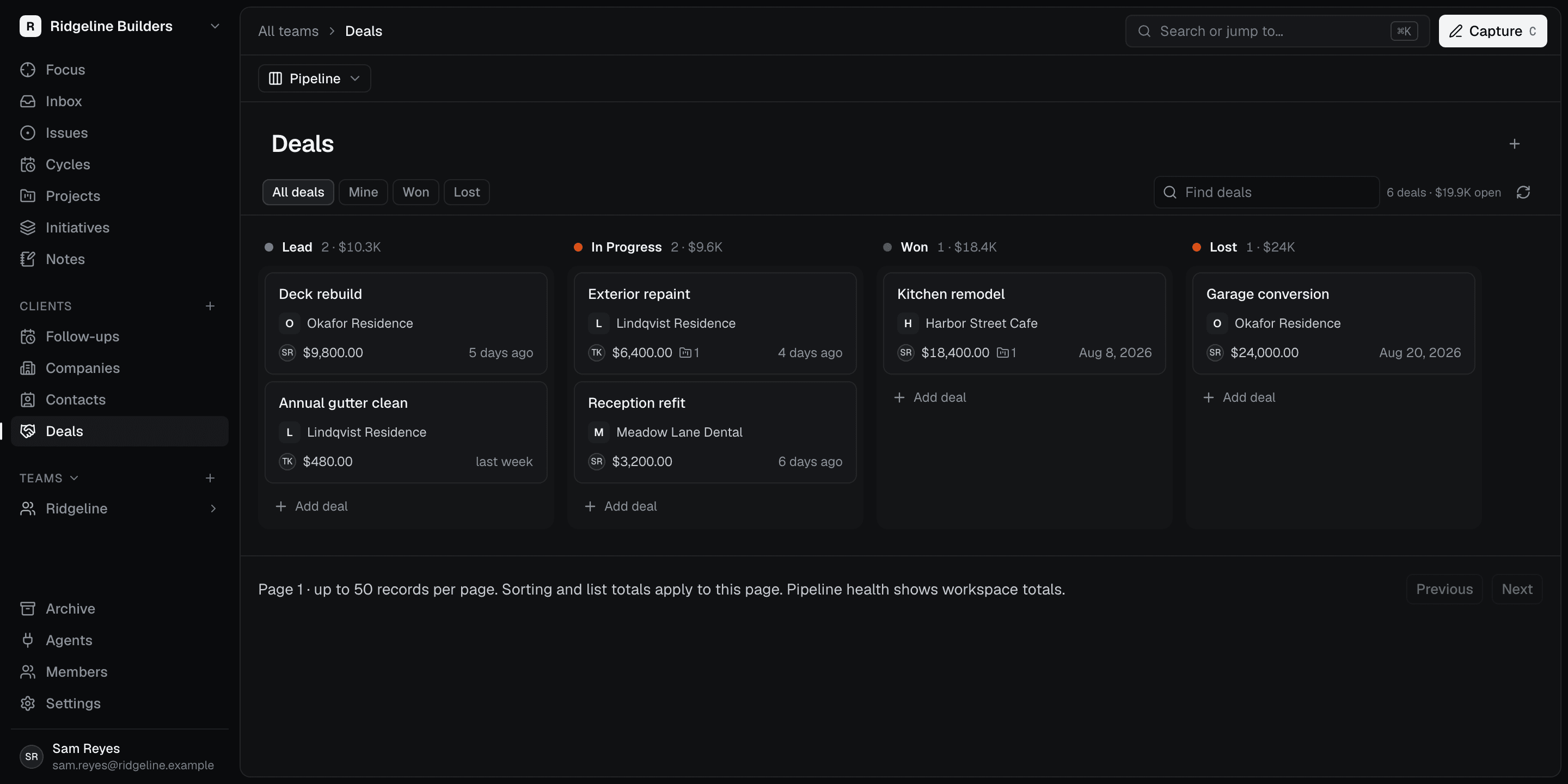
Ask for something read-only first and compare the answer with the Scoped app before you let it post updates back.